Typical Applications & Templates
The MUTCD's figures aren't a PDF appendix in TrafficCAD — they're editable vector templates: all 54 Part 6 typical applications (TA-1 through TA-54), the Part 6 tables, and hundreds more figures from Parts 1–9, plus editable sign blanks, ready to insert and adapt.
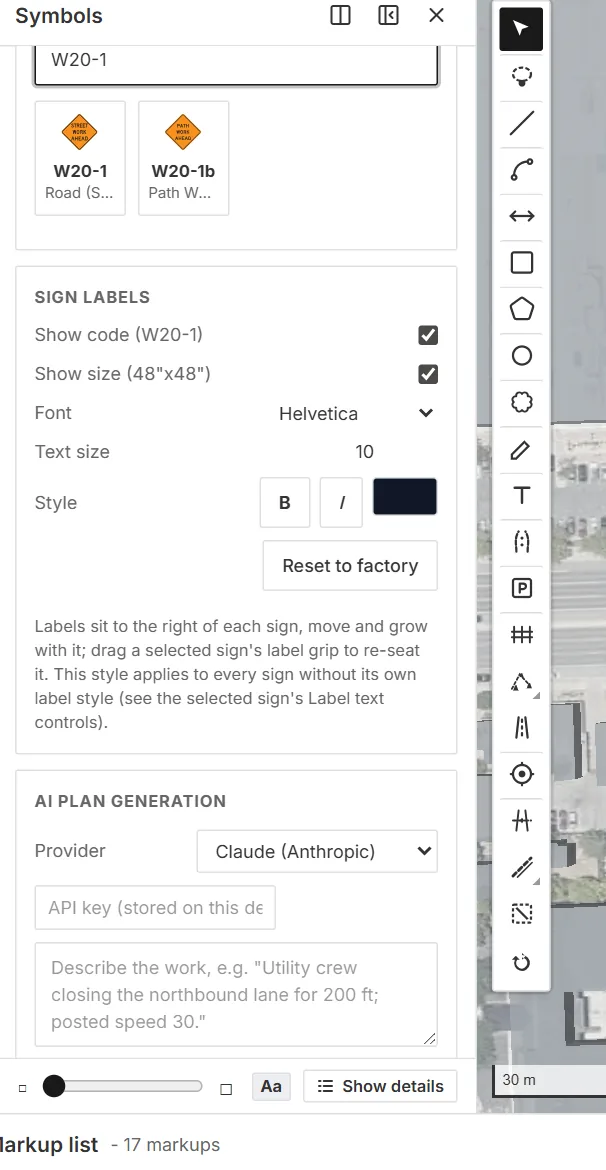
Search the library by code or plain name — the same box reaches signs, devices, markings, and the figure templates.
Two kinds of "template"
- Parametric generation — for real work zones, you usually don't copy a figure; you generate a TTC plan and the engine derives the typical application from your geometry, at your speed, on your street. That's the figures as executable rules.
- The template browser — for standards sheets, details, and figure-faithful exhibits, insert the figure itself as vectors and edit it.
The template browser
In the Drawings workspace, click Templates ("Insert MUTCD typical applications and tables as editable vectors"). Browse or search the catalog — typical applications, tables, and figures — and insert onto the current sheet.
An inserted template is a vector group, not an image:
- Double-click to node-edit — every line, symbol, hatch, dimension, and text element is individually selectable. Drag vertices to reshape, Del removes an element, Esc exits.
- Edit the text — labels re-set in real fonts (including the Highway Gothic series), with size, alignment, and style controls.
- Restyle — fills, strokes, stroke widths, hatch spacing and angle.
- Resize the whole group aspect-locked, like any sheet item.
Adapt a TA to your agency's format, mark up a figure for a variance request, or assemble a standards sheet from the manual's own artwork.
Reference tables
The most-used Part 6 tables are also available as live cited tables via Tables… — sign spacing (6B-1), taper lengths (6B-3/6B-4, with speed and offset inputs), device spacing (6K.01), and buffer space (6B-2). See Schedules & Legends.
Editable sign blanks
Sign blanks with recognized legends are editable throughout the system: retype a placed sign's Highway Gothic legend on the map, or open any catalog sign in the Sign Designer and rework it with full SHS metrics.
Where the content comes from
Templates are extracted from the official manuals' vector content — the MUTCD 11th Edition (FHWA), the Texas MUTCD 2025 (TxDOT), and the California MUTCD 2026 (Caltrans) — so the linework on your sheet is the manual's own, not a redraw.