Sign Designer¶
The Sign Designer (the Sign Designer button in the top toolbar) is a full panel-design studio — "MUTCD 11th Ed. · SHS-exact lettering · live compliance" — for guide signs, street names, regulatory and warning panels, and anything the catalog doesn't publish. Panels are dynamic: they re-dimension as you add content, using the Standard Highway Signs spacing charts, and every design carries a cited compliance readout and a fabrication-ready spec sheet.
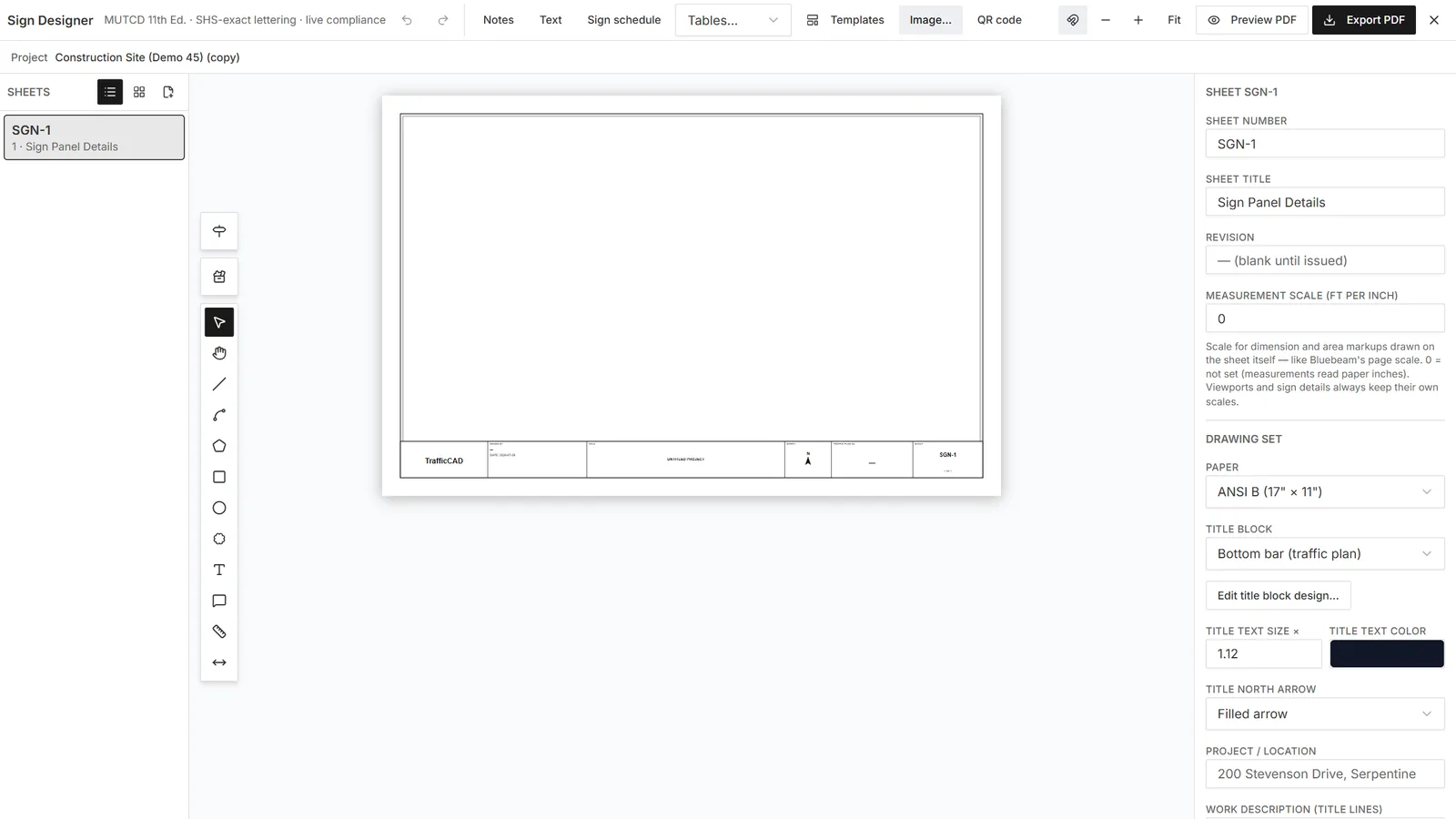
The designer's browser view: start from the catalog, a blank panel style, or a saved template.
Starting a design¶
The browser view offers three doors:
- Start from the sign catalog — search the official artwork ("Search by code or name — R2-1, stop, bike lane…"), pick a size token, click Design. The published face becomes your base, with each recognized Highway Gothic line as a separate editable text object — retype in place and it re-lays to the SHS charts; anything unrecognized stays exact baked artwork.
- New sign from panel style — a blank dynamic panel in any of the standard families: Guide (Freeway/Expressway or Conventional Road), Street Name (D3-1), Regulatory (white, or red on white), Warning (diamond), School (fluorescent yellow-green), Temporary Traffic Control (orange), Motorist Services (blue), Recreation & Cultural (brown), Toll/ETC (purple), Incident Management (pink), Exit Number Tab, EXIT ONLY plaque — or Custom.
- My templates — designs you've saved as templates.
Existing designs list under Project signs with live thumbnails, sizes, Copy/Delete, and compliance badges (✓ compliant, ▲ warnings, ● errors).
The editor¶
Top bar: design name · standard (National / Texas / California) · facility context (≤25 mph urban / Conventional / Expressway / Freeway) · posted speed · state layering (materials & specs) · dimension display (Dims: full / overall / off) · Select / Measure tools · Undo/Redo · the export cluster (below).
Left palette — Add to panel: + Text line, + Arrow, + Route shield, + Divider rule, + Plaque (EXIT ONLY), plus Catalog symbol search for dropping any published sign or symbol onto the panel. The Objects list shows everything on the panel.
The stage is a CAD canvas: point-to-point snapping when dragging objects (the GuideSIGN Move Object behavior), Shift axis-lock, Ctrl-drag to copy, live dimension chains with hover citations, and a Measure tool (M) for temporary snapped dimensions.
Right rail:
- Align & distribute — the full CAD row: left/center/right, top/middle/bottom, distribute horizontally/vertically, center on panel.
- Object properties — per selection:
- Text: content, Series (FHWA B / C / D / E / E(M) / EEM / F, plus uploaded families), letter height, spacing %, fit-width. Upload font… registers a .ttf/.otf (ClearviewHwy under IA-5, municipal faces) into the same metric system.
- Route shield: system (Interstate M1-1, US Route M1-4, State Route M1-5), route number, size, on-guide-sign variant.
- Arrow: the standard arrows (up, down, 45s, side, 90° turn, advance turn, lane drop) and diagrammatic presets — Split (Y), Thru + turn, Left-thru-right, Roundabout — with per-kind geometry fields (trunk, branch, spread, shaft, fillet, radius, legs…), height, and mirroring.
- Placement: row-flow position and nudges, or Pin (free placement) with exact X/Y, plus rotation.
- Sign parameters — with nothing selected, a GuideSIGN-style replacement-value form: every text line and shield as a labeled field (Cardinal Direction, Number, Legend, Place Name…), per-element Draw toggles, and Panel W × H with a Lock checkbox (locked = fixed size; unlocked = the dynamic panel re-dimensions itself).
- Panel properties — style, shape (rect/diamond/octagon/triangle/ pentagon/circle), Auto (dynamic panel) vs Fixed size, background/legend colors (the full sign color set incl. fluorescents), border width/radius (per-standard defaults or overrides), Sheeting (ASTM D4956 types), Substrate, and Save as agency style….
- Compliance — the cited findings list: "✓ No findings — design meets the checked MUTCD/SHS rules." or clickable ●/▲/ℹ diagnostics, each with its MUTCD/SHS citation.
Status bar: blank size, area in sq ft, legibility distance (≈ 1 in of letter height per 30 ft, §2A.08), and the active standard.
Batch street-name signs¶
Batch streets generates a run of D3-1 street-name signs from a pasted list ("One street per line — 'Name, block' sets the block number") — the multi-street workflow agencies actually have.
The multi-sign canvas¶
The Canvas view is a model space (inches) where several designed signs lay out together — place, arrange, and double-click any sign to edit it. Signs stay live: edits flow back to every placed copy.
Exporting¶
| Button | Output |
|---|---|
| Spec → Drawings | Inserts the fabrication spec sheet — dimensioned face, chains, and numbered notes (colors per 23 CFR 655, FHWA alphabets & SHS spacing charts, ASTM sheeting type, substrate, governing standard, compliance line) — into the Drawings workspace. |
| Spec SVG / Face SVG | The spec drawing, or the true-scale face for fabrication/cutting. |
| Schedule CSV | A fabrication schedule of all designed signs. |
| → Tool Chest | Publishes the sign into the Symbol library under My signs — place it on plans like any catalog sign. Re-exporting updates placed copies. |
| Save template | Saves to My templates for reuse. |
Letterforms are law
TrafficCAD never stretches or warps legends — the spec sheet says so in its notes, citing §2A.08. Retyped text re-lays with real FHWA alphabet metrics; if a message doesn't fit, the dynamic panel grows or you choose a narrower series, exactly like the sign shop will.