Export & Edit in Bluebeam
Open a TrafficCAD PDF export in Bluebeam Revu and keep working: every markup on the sheet is a native, editable Bluebeam annotation — not a flattened print. Under a minute.
The recording this tutorial follows (0:52).
1. Open the exported PDF in Bluebeam
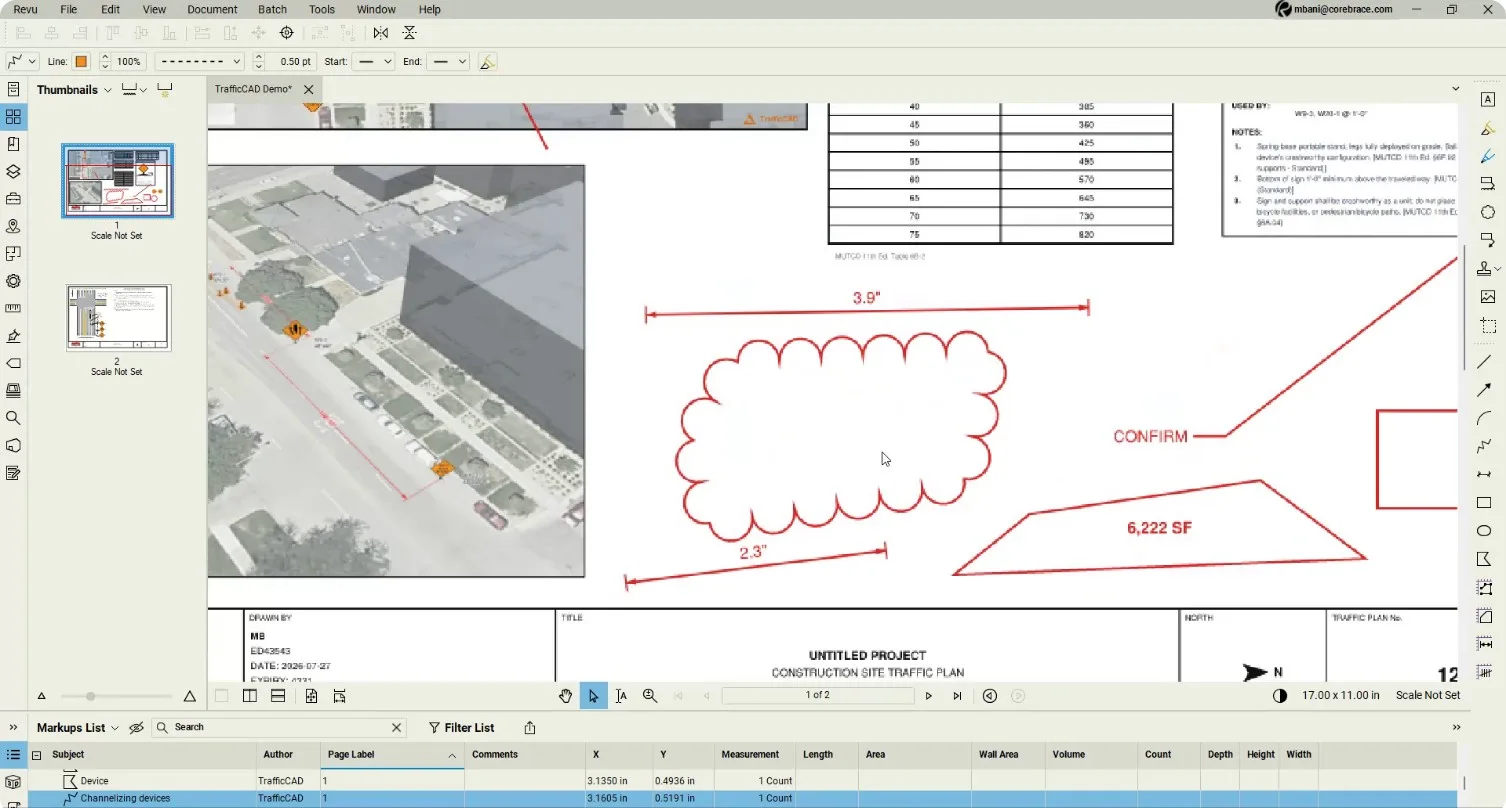
The Markups List fills with TrafficCAD-authored rows — channelizing devices, sign labels, dimensions — each one live.
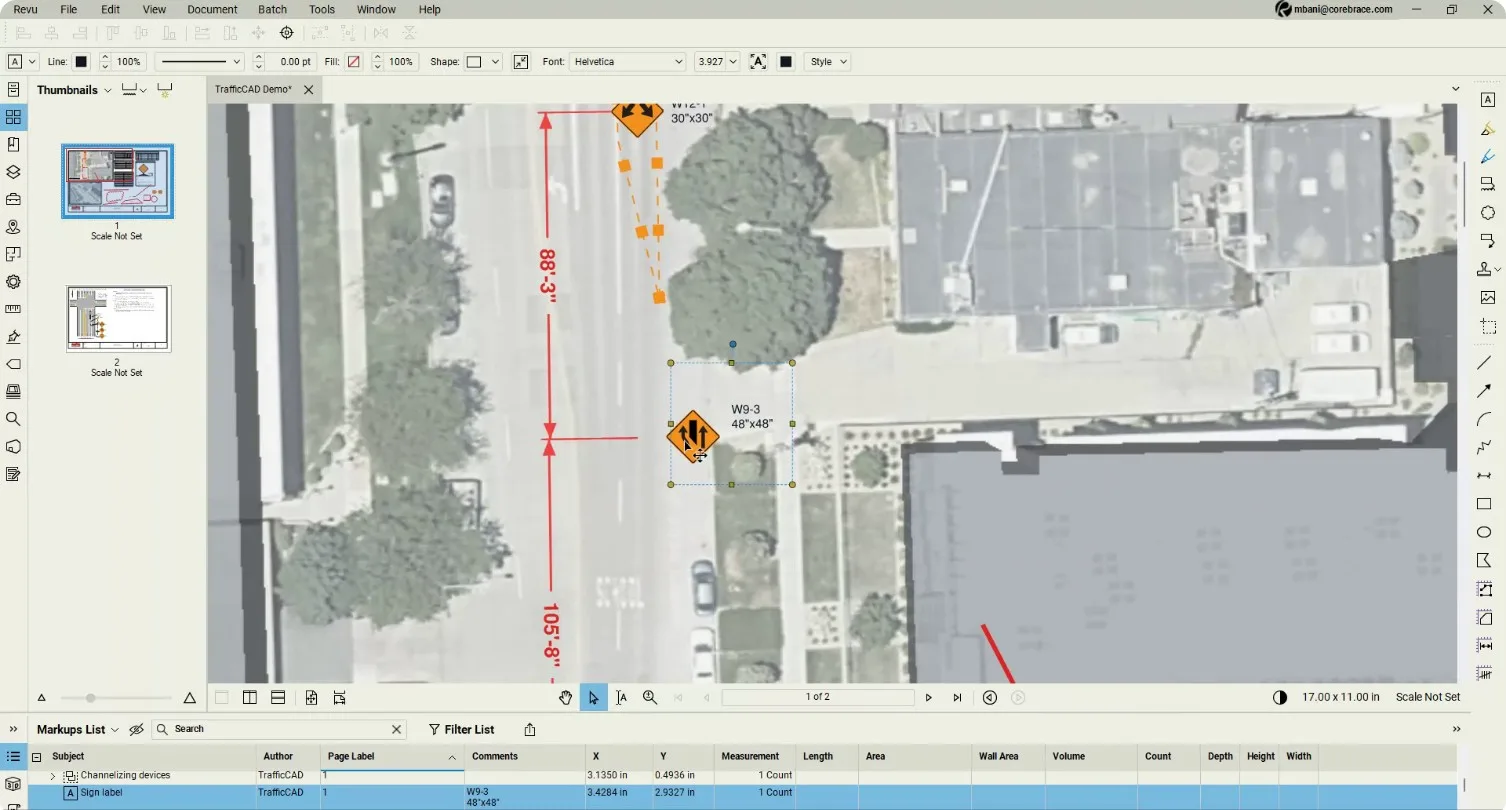
2. Select and move markups
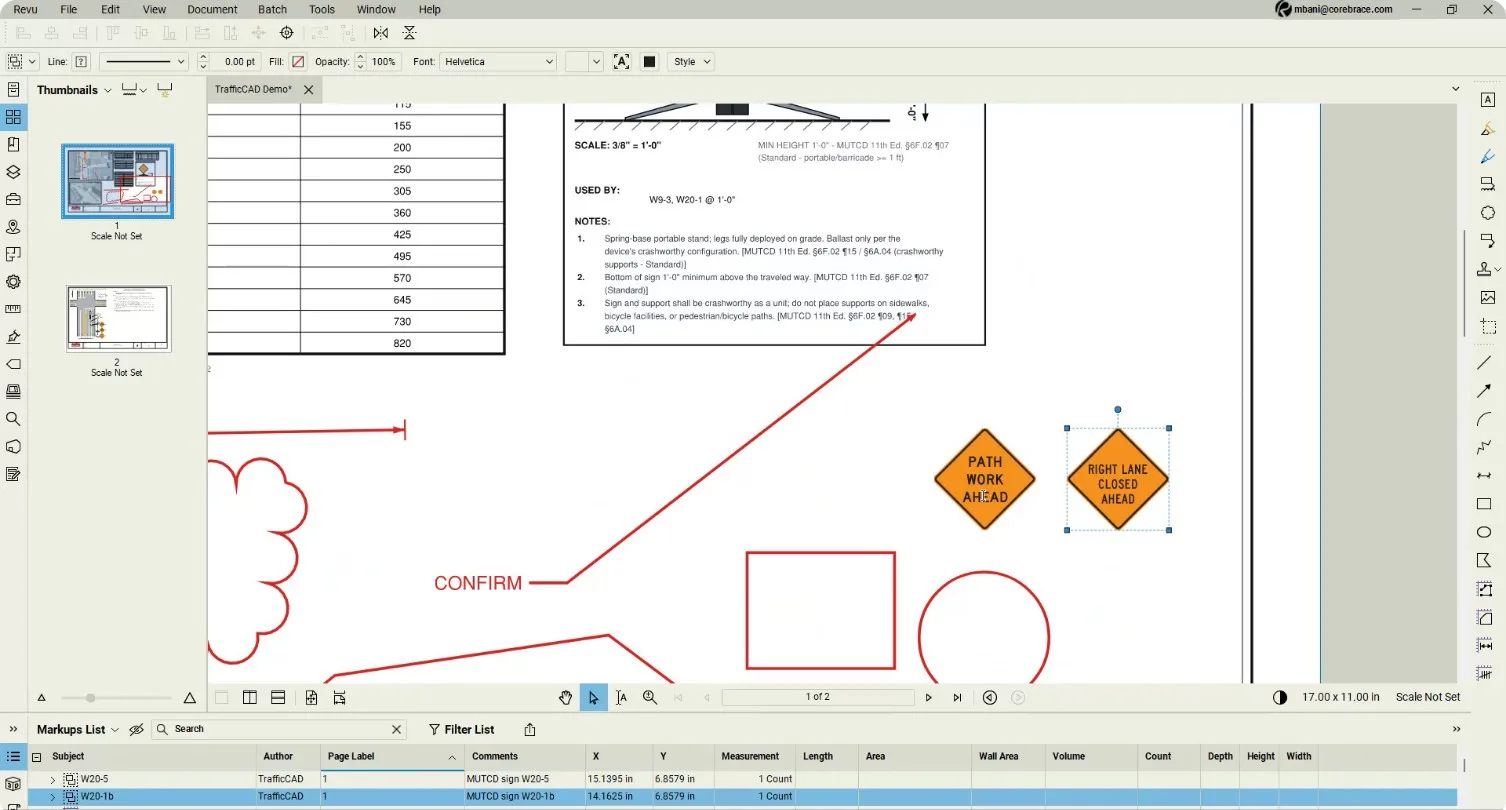
Click any markup and drag it — signs reposition like any Bluebeam element.
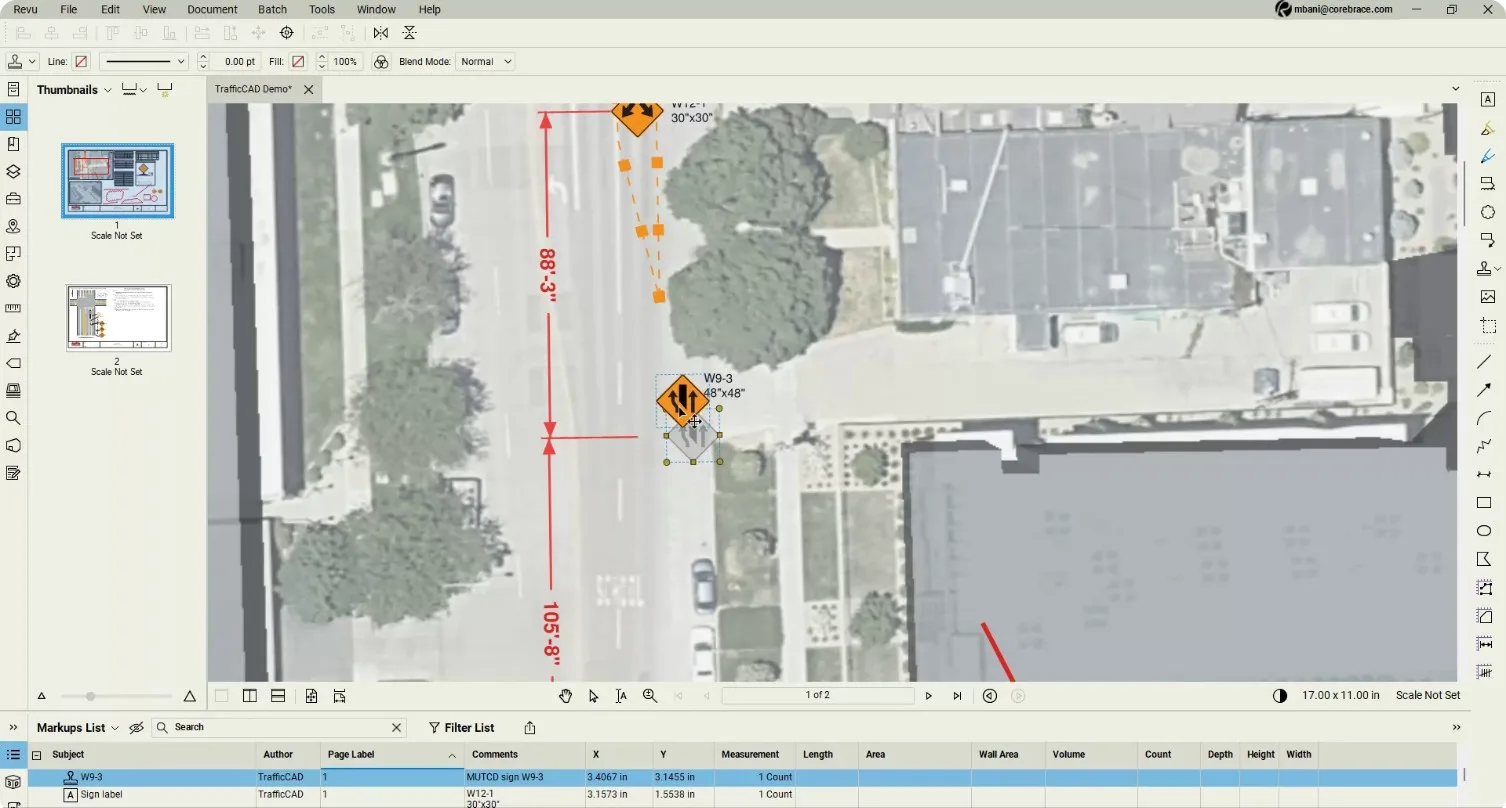
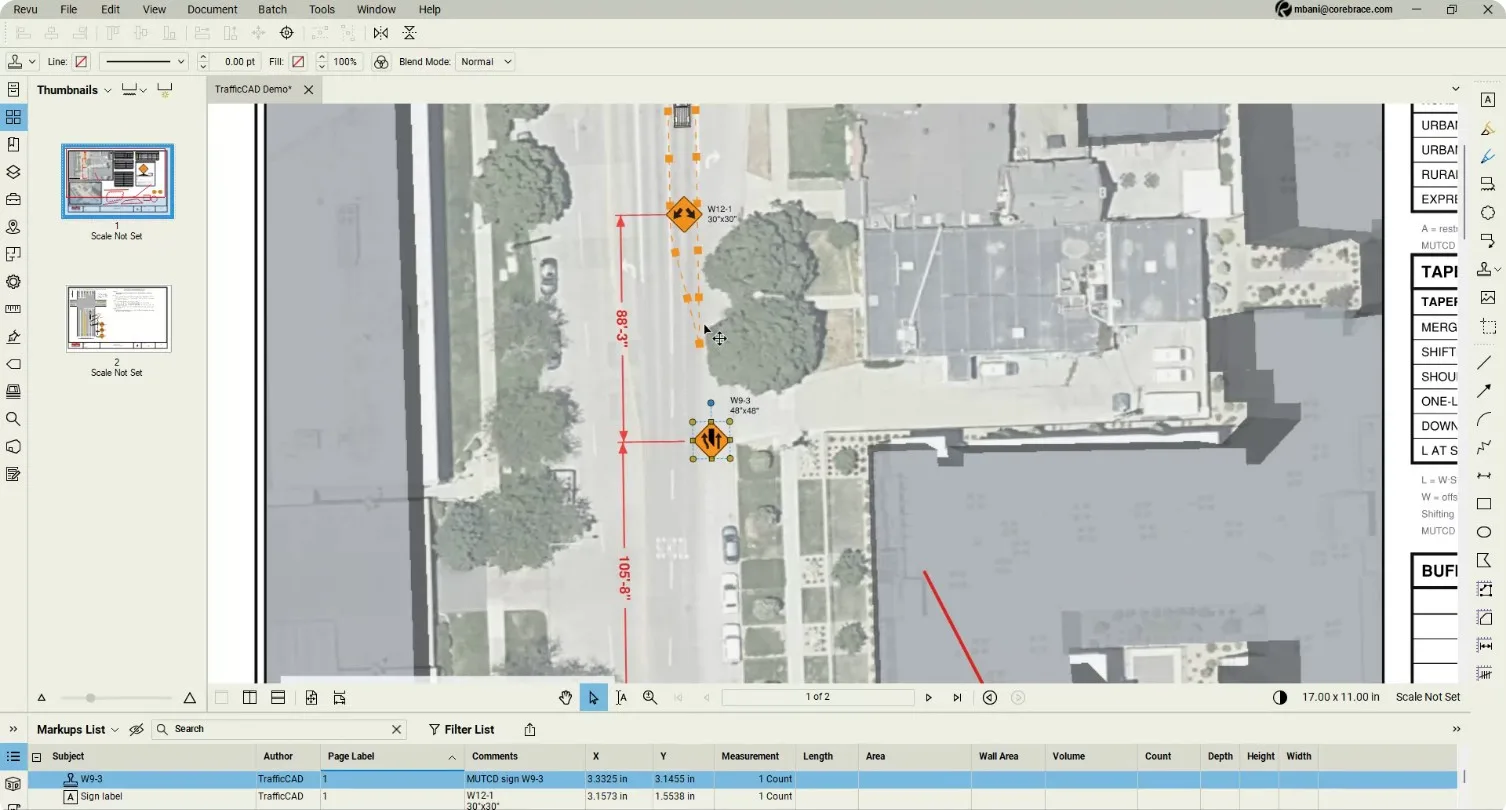
The device taper is a native polyline — dash pattern, weight, and end treatments all editable in Bluebeam's toolbar.
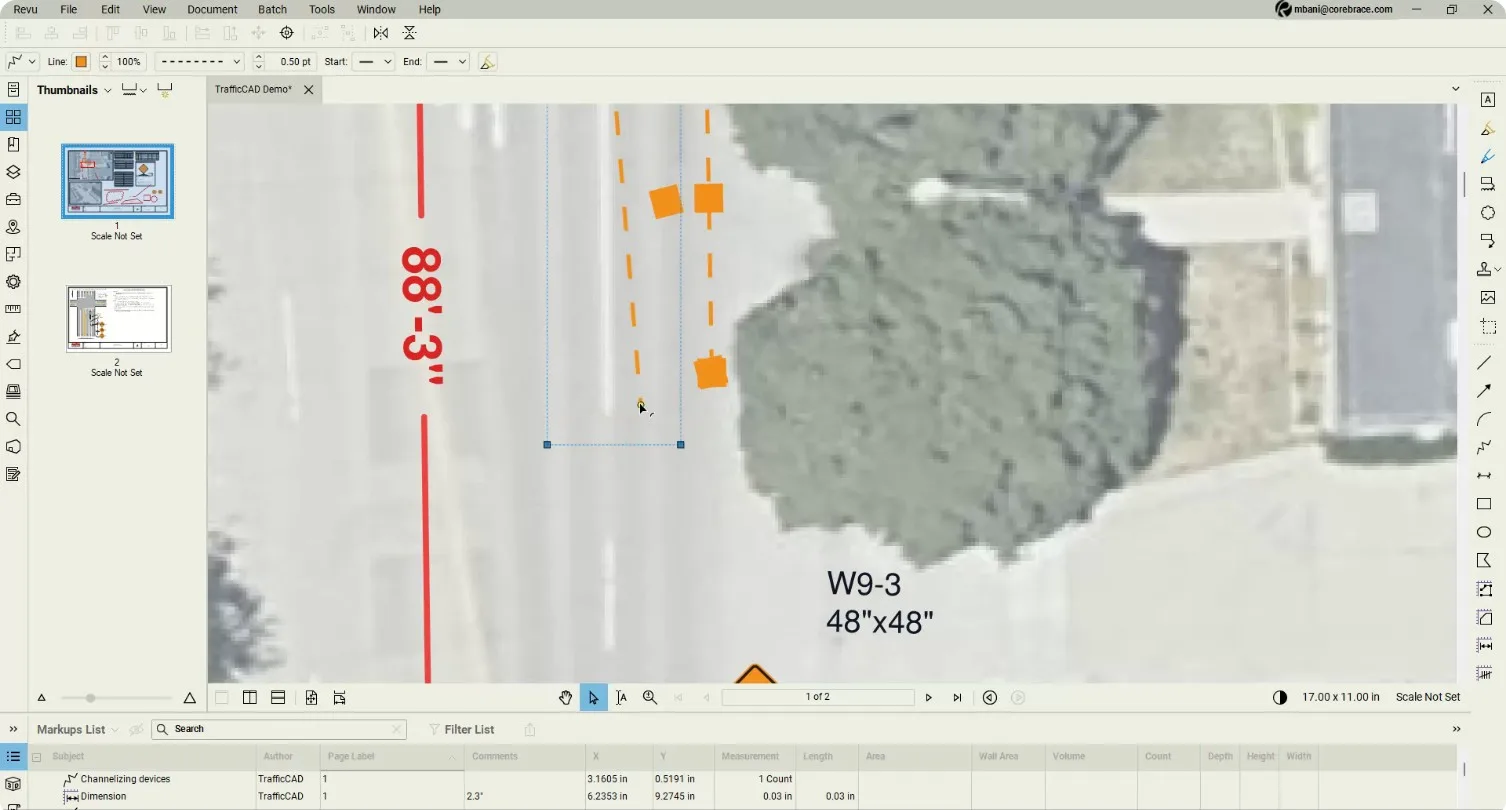
3. Edit text and sign markups
Sign legends are text: select a sign and retype it with Bluebeam's font tools. Measurement markups — clouds, callouts, area takeoffs — carry their values.
4. Modify template figures
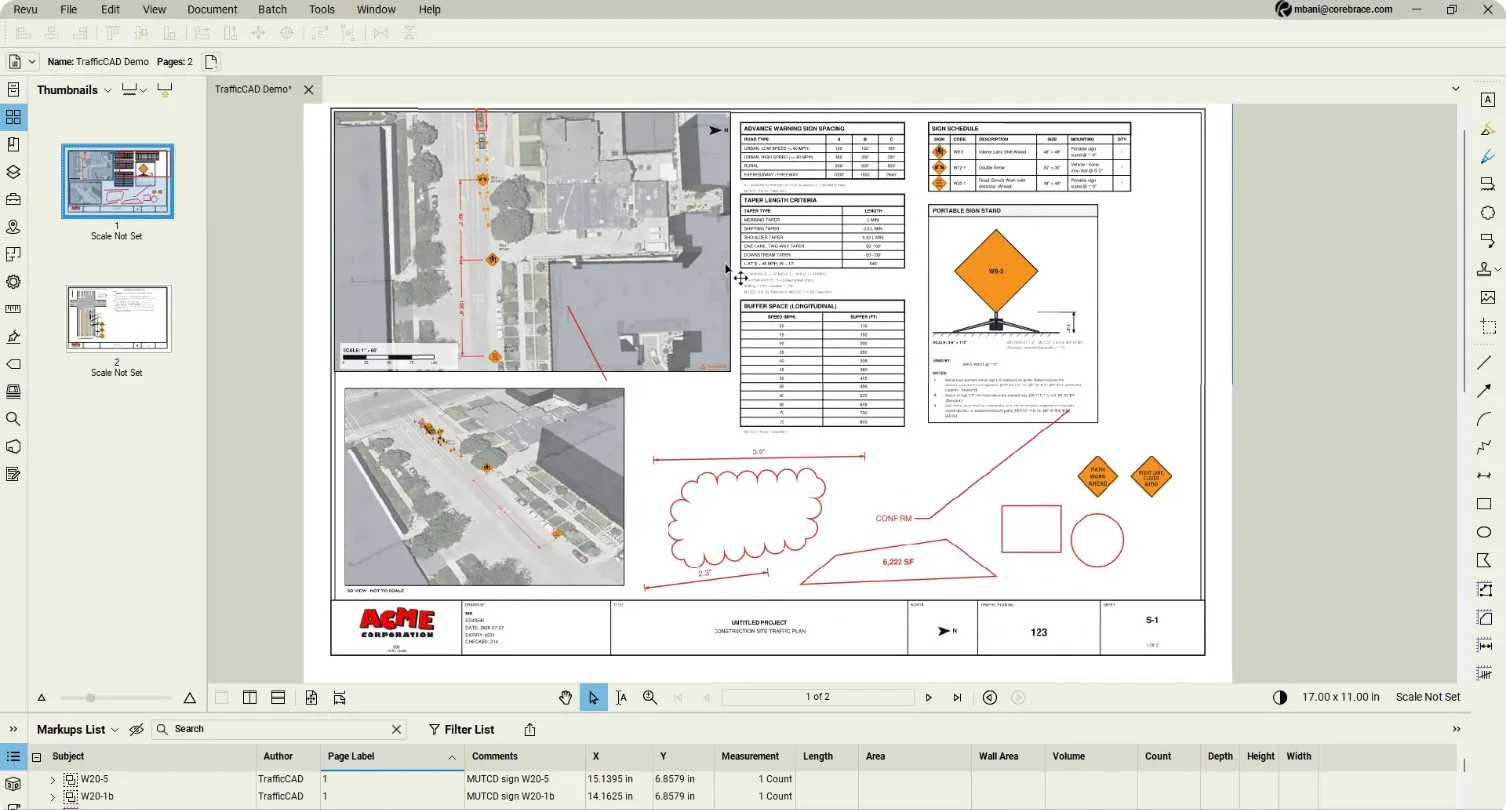
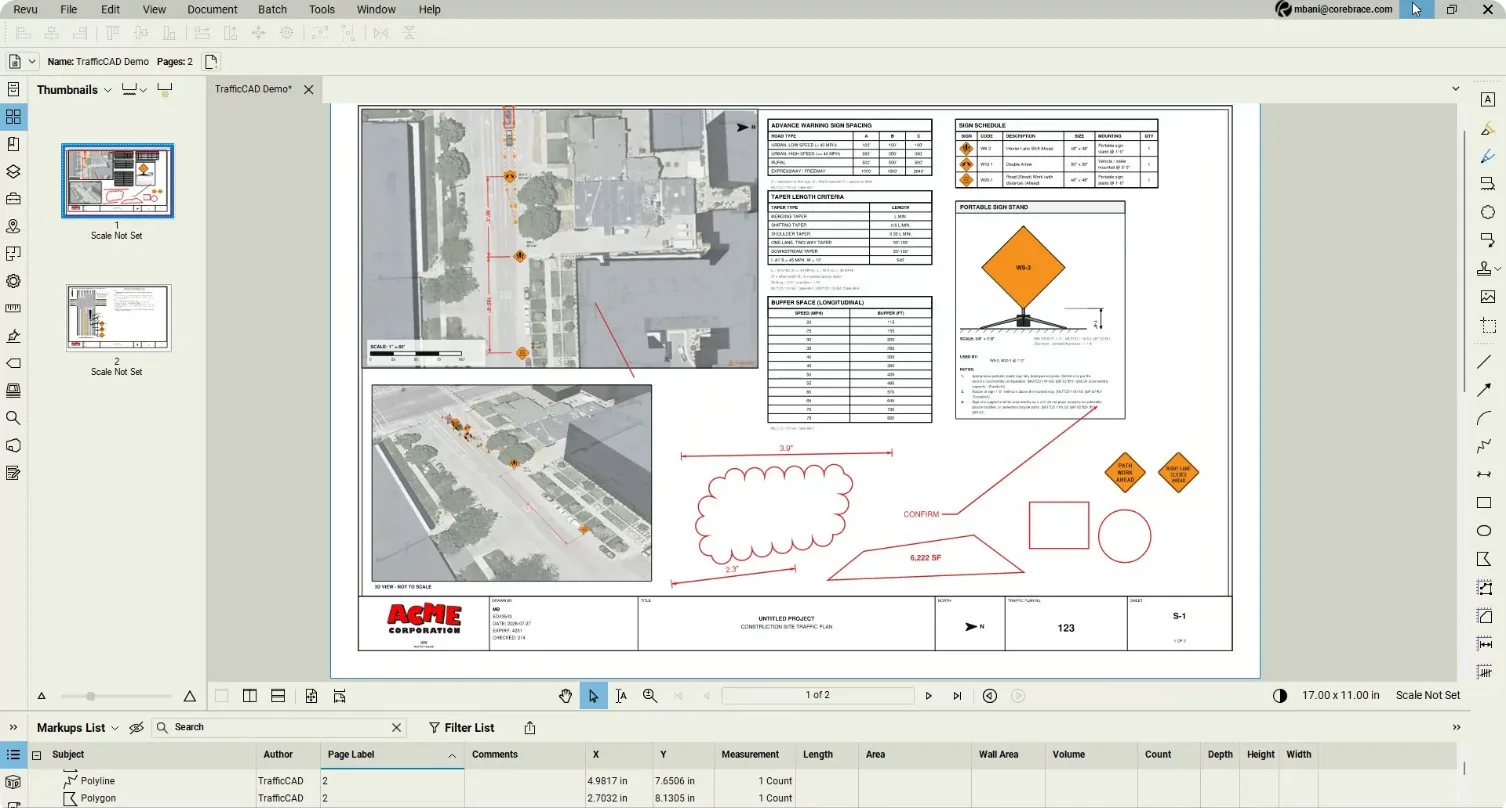
Detail figures, tables, and the 3D inset behave like standard Bluebeam elements — move, resize, or edit them on the sheet.
Reference: Exporting PDFs & Bluebeam
Next steps: Publish & Share — put a live link to the same plan in the field.