Site Signage & Fire and Emergency Planning signs
The Symbols tool chest carries two sign libraries beyond the MUTCD catalogs, available in both the traffic and event-planning workspaces:
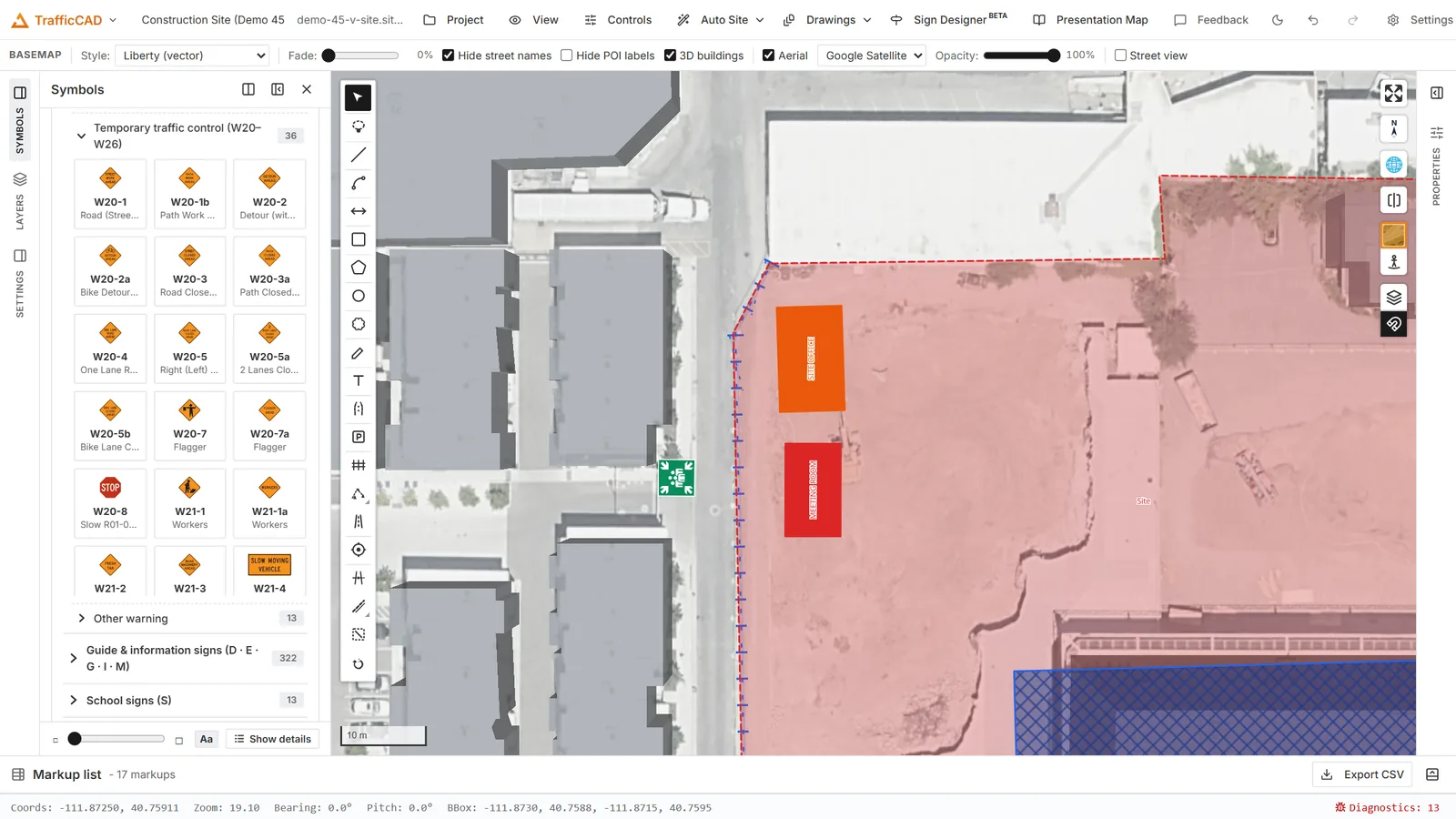
Site Signage and Fire & Emergency signs placed around a compound — entrance boards and PPE at the gate, first aid and fire points inside.
- Site Signage (codes
SS-01…SS-50) — access, parking and gate signs, safety notice boards (DANGER / CAUTION), PPE requirement signs, site facilities (toilets, offices, wash out), utility service markers, and waste / recycling labels. - Fire & Emergency Planning (codes
FE-01…FE-73) — exit and evacuation signs, wayfinding arrows, first aid and rescue, fire-fighting equipment, fire protection systems (BMZ / FAT / FSD), emergency contacts, and hazard warning pictograms.
Find them at the bottom of the Symbols panel, or search by code ("SS-07"), name ("Visitor parking") or keyword ("extinguisher", "defibrillator", "muster").
Editable sign text
Signs that carry wording are text-editable exactly like MUTCD sign legends: select a placed sign and use the Sign text field in the Properties panel (one line per row of the sign face). The wording is re-set as pure vector outlines — Arial-metric lettering matched to the original face — so plans, sheet stamps and PDF exports stay crisp at any scale. Clear the field to restore the published wording.
Placement and export
Site and fire signs place, rotate, scale, group and leader like every other sign symbol, appear in the markup list as Site sign rows, and export to PDF as movable Stamp markups (subject = the sign code) that Bluebeam and Acrobat users can reposition, so field crews can adjust the plan without returning to TrafficCAD.